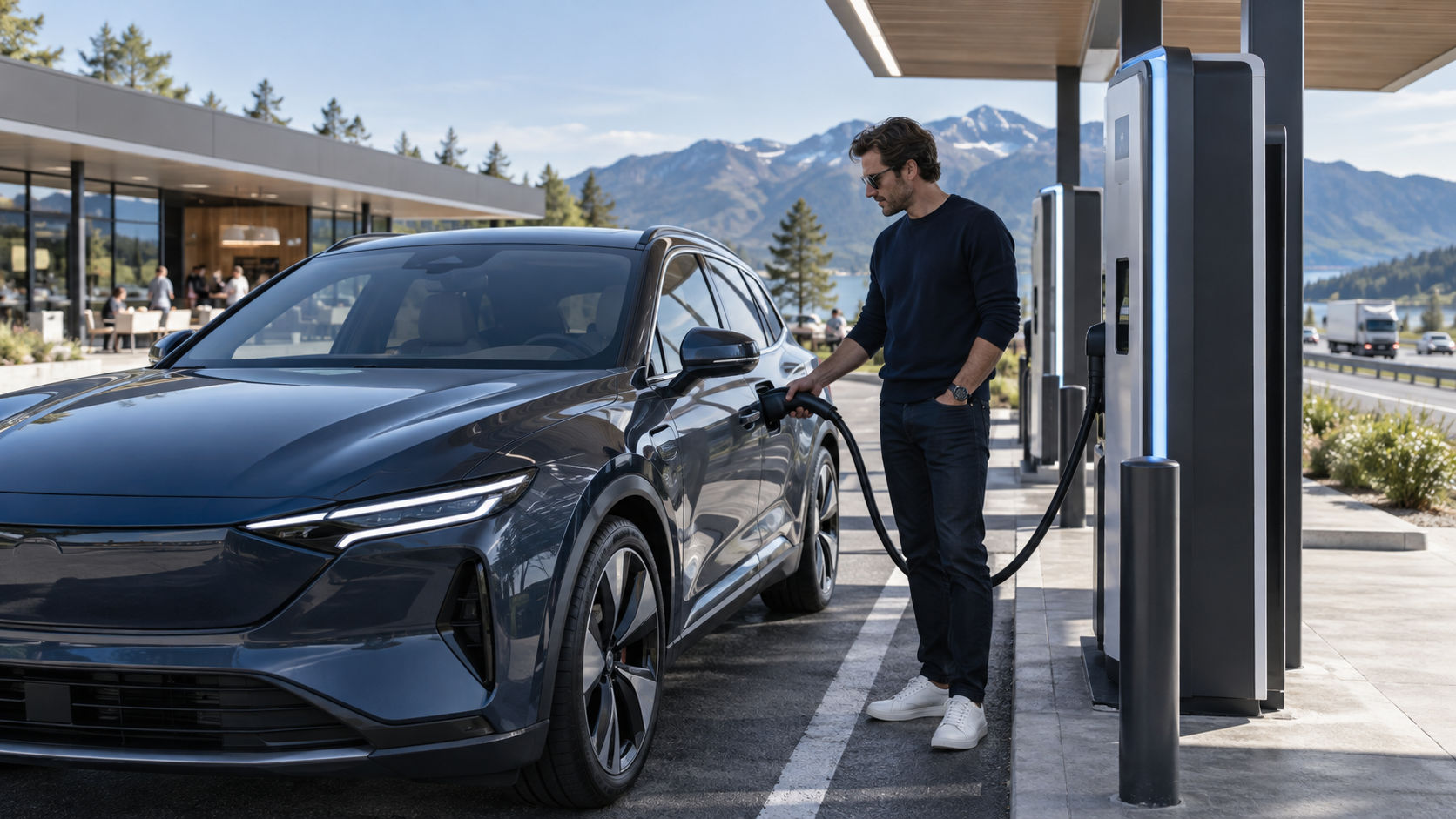
Using a public charger for the first time is easier when you know three things before you arrive: the connector your vehicle accepts, the charging power it can use, and how the station starts a session. A station label alone does not tell you how quickly your car will charge. The vehicle, battery temperature, state of charge, and charger all affect the result.
Match the connector to your vehicle
Check the owner’s manual or charge-port label for supported AC and DC connectors. Level 1 and Level 2 are AC charging. DC fast charging uses a different connection and is supported only by vehicles equipped for it. Connector names and access vary by country, and standards are changing. In North America, common public plugs include J1772 for AC and CCS or NACS/J3400 for DC fast charging, while CHAdeMO remains on some older vehicles and networks. Confirm compatibility for your exact model and model year.
An adapter can expand compatibility only when the vehicle and charging network approve that adapter for that equipment. The physical plug fitting the inlet does not prove that a session will work. Check the automaker’s compatibility information and follow the instructions for locking, unlocking, and storing the adapter.
Choose a charger that fits the stop
Level 2 chargers suit longer stops at workplaces, hotels, shopping areas, or public parking. DC fast charging is intended for quicker travel stops, though it can still take much longer than filling a fuel tank. AFDC notes that charging time depends on battery capacity and charge level, the vehicle’s internal hardware, the charger’s power, and the electrical service. A station’s rated maximum is not the power every vehicle will receive.
When comparing stations, check the connector, stated output, network access, parking rules, and whether the charger is in service. The U.S. Department of Energy’s Alternative Fuels Data Center Station Locator lets drivers search by location or route. Network apps and a car’s navigation system can provide current status, but their data may be delayed. If a charger is essential to a trip, identify a second nearby option.
Start and end a charging session
Read the station’s on-screen steps before plugging in. Depending on the network, you may start with a contactless payment card, a phone app, a membership card, or the vehicle’s navigation system. Some chargers ask you to authorize first; others ask you to connect the cable before payment. Follow the prompts for that station and look for a clear confirmation that charging has started.
If the unit fails to connect, check that the plug is fully seated and the session has been authorized. Do not force a connector or keep retrying if a fault message appears. Check the station number and contact the network shown on the charger. Move to another unit if it remains unavailable, then report the fault through the network’s app or support line.
To finish, use the station’s stop control or the vehicle or app instructions. Release the connector only after the session ends and the car unlocks it. Return the cable to its holder and move the car when charging is complete if the site charges idle fees or limits parking. Keep the bay clear for the next driver.
Understand why the rate changes
A charging display may show less power than the unit advertises. The car limits intake based on its own hardware and battery conditions. Many vehicles also reduce power as the battery approaches a high state of charge. Cold or hot batteries can charge more slowly until they reach a suitable temperature. A navigation system that routes to a fast charger may precondition the battery on some models; check the manual to learn whether the feature is available and how to use it.
Compare charging by the energy added or the estimated departure range rather than assuming every minute yields the same amount. Charging from a low level often proceeds faster than filling the last part of the battery. For a travel stop, charge only as much as needed to reach the next suitable charger or destination, with a reserve for conditions on the road.
Make public charging less uncertain
- Check compatibility and network access before driving to a station.
- Review the station’s location, hours, parking rules, and live status.
- Keep a payment method and backup network option available.
- Know how to stop the session and release the cable for your vehicle.
- Move the car once it is charged if the site expects a turnover.
For home setup, see our home EV charging guide. Consult the AFDC’s public charging overview and station locator for further planning. Station availability and connectors differ by region, so confirm details locally before a long drive.
Leave a Reply